A useful technology setup is not the one with the most devices. It is the one where your computer, phone, audio gear and accessories share information reliably and require little daily maintenance. Start with the tasks you repeat, then choose products that remove friction from those tasks.
Begin with your main device
Choose the computer or phone that will hold your primary files, accounts and communication apps. Confirm that it supports the displays, storage and wireless standards you actually need. A stable main device makes every accessory easier to manage.
Standardize connections
USB-C, Bluetooth and a dependable Wi-Fi network can reduce cable clutter, but matching connectors do not always mean matching capabilities. Check charging wattage, data speed and display support before buying cables or docks.
- Use one trusted password manager across devices.
- Keep important files in an automatic backup routine.
- Label high-power chargers and specialty cables.
- Update firmware for routers, headphones and wearables.
Add accessories only when they solve a problem
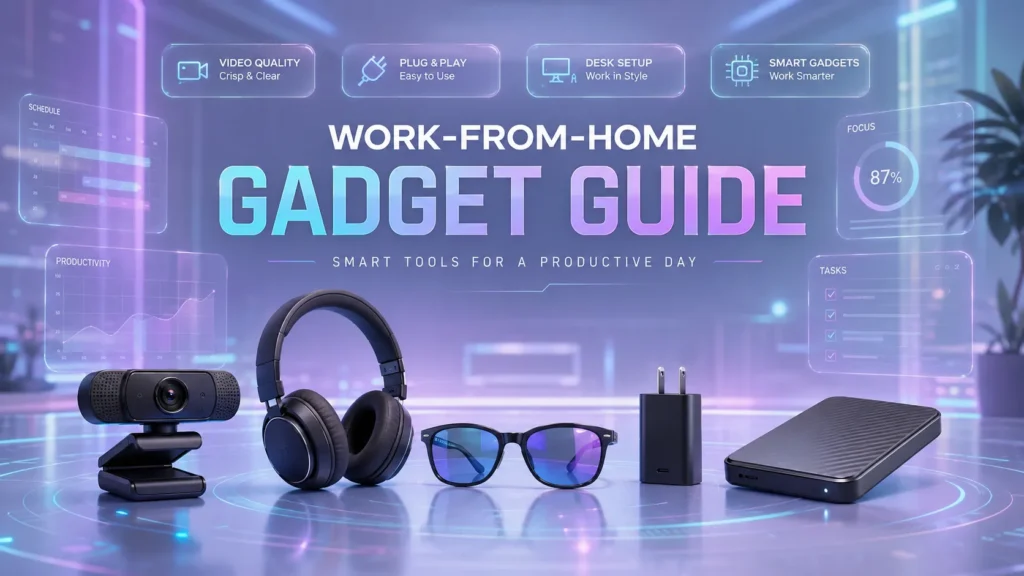
A second monitor can improve focused desk work, while noise-cancelling headphones may matter more in a shared space. Buy for a clear use case and test the return policy before committing. This approach creates a flexible setup that can grow one component at a time.